Introduction
From the outside, installing access control in a commercial or public-sector building looks simple. A reader, a lock, a badge, done.
In practice, one opening can involve door hardware, low-voltage cable, power supplies, network ports, software setup and life-safety code.
Facility teams often underestimate that. They treat access control as a plug-and-play upgrade, and the problems show up later:
- Doors that won't release
- Credentials that never register
- Gaps in the audit trail
- Egress paths that quietly violate fire code
A single door can need the security integrator, an electrician, the door hardware supplier and IT to coordinate. In Mastering Modern Security, IPS's Rob Jackson puts it simply: applying a security system takes a village. Multi-door, occupied or regulated projects are not weekend DIY work.
This guide covers planning, components, installation steps, testing, troubleshooting, documentation, the mistakes we see most, and when to bring in an integrator.
Key Takeaways
- Coordinate doors, locks, controllers, power, network, credentials, software and emergency behavior up front to avoid change orders.
- Door condition, existing infrastructure, opening count, integrations and code requirements drive cost and schedule.
- Test every opening for grant/deny, safe egress, door status, power-loss behavior, alarms and reporting.
- Closeout documents, admin training and a support plan keep the system reliable after go-live.
Installation Guide for an Access Control System
A commercial access control project follows the same sequence at almost any size: assessment and design, equipment selection, infrastructure prep, hardware installation, software configuration, integration, then testing and handoff.
What changes is scale. One interior office door might take a day. A multi-door building can take weeks. A multi-site rollout can take months and needs a phased plan.
Every installation rests on four building blocks connected by power, cable and network:
- Credential reader at the door
- Access control panel or controller that makes the access decision
- Electrified locking hardware that secures the opening
- Management software that holds permissions, schedules and records
Prerequisites and Safety Considerations
Before hardware goes on a door, the team needs answers to a specific set of questions. In our experience, skipping this step is the biggest single cause of rework.
Site survey. For every opening, document:
- Door and frame condition, swing, fire rating and existing lock type
- Controlled areas and available cable pathways
- Panel locations, available power and network ports in the nearest IDF
- Exposure: exterior doors, weather, temperature extremes
- Less obvious entry points, such as loading docks and emergency exits, and who actually uses each door and when
Compatibility check. Confirm that readers, credentials, controllers, electrified locks, power supplies and software work together, and that planned integrations with fire alarm panels, video, elevators or gates are actually supported by the manufacturers involved.
Code review. Life-safety and accessibility rules aren't extras added at the end. Under NFPA 101, egress doors generally can't require a key, tool, or special knowledge or effort to open from the egress side, and release is generally limited to one operation. The 2010 ADA Standards limit the force to activate operable parts to 5 pounds and require door hardware to be mounted 34 to 48 inches above the floor.
Check the building, fire, electrical and accessibility codes for your jurisdiction and occupancy before the design is final. Your AHJ, often the fire marshal, has the final say, and it is much easier to ask before the maglocks are ordered.

Stop points. Don't proceed if you find:
- Damaged or incompatible doors and frames
- Unresolved egress questions
- Not enough power or no network path
- Unsafe work conditions
- Unapproved changes to fire or life-safety systems
Tools and Parts Required
Treat this as a checklist, not a wiring manual. Exact specs come from your approved design.
Typical components:
- Readers, controllers, and electric strikes or magnetic locks
- Door position switches and request-to-exit devices
- Power supplies and battery backup
- Cable, enclosures, credentials and management software
Typical tools (for qualified technicians):
- Mounting and drilling tools
- Cable pulling and termination tools
- Labeling supplies
- Network test equipment
- Electrical test equipment
- Lifts or lift trucks for high ceilings and atriums
Cable types, gauges, power ratings, connectors and mounting hardware must follow manufacturer documentation and the approved design.
A wood interior door with a maglock has different power and mounting needs than a fire-rated exterior door with an electric strike. There's no universal spec sheet for both. If readers or controllers run on PoE, check the switch's power budget per port and in total. A switch that runs out of PoE budget will drop devices in ways that look like random reader failures.
How to Install an Access Control System (Step-by-Step)
This is a controlled sequence. Shortcuts tend to show up as failures weeks after go-live, not during the install.
- Survey and document every controlled opening, user group, schedule, security objective and integration need.
- Select compatible equipment (readers, credentials, controllers, locks, power, software) based on actual door conditions.
- Prepare the site: confirm cable routes, panel locations, power, network ports and VLANs, permits, and occupant notices.
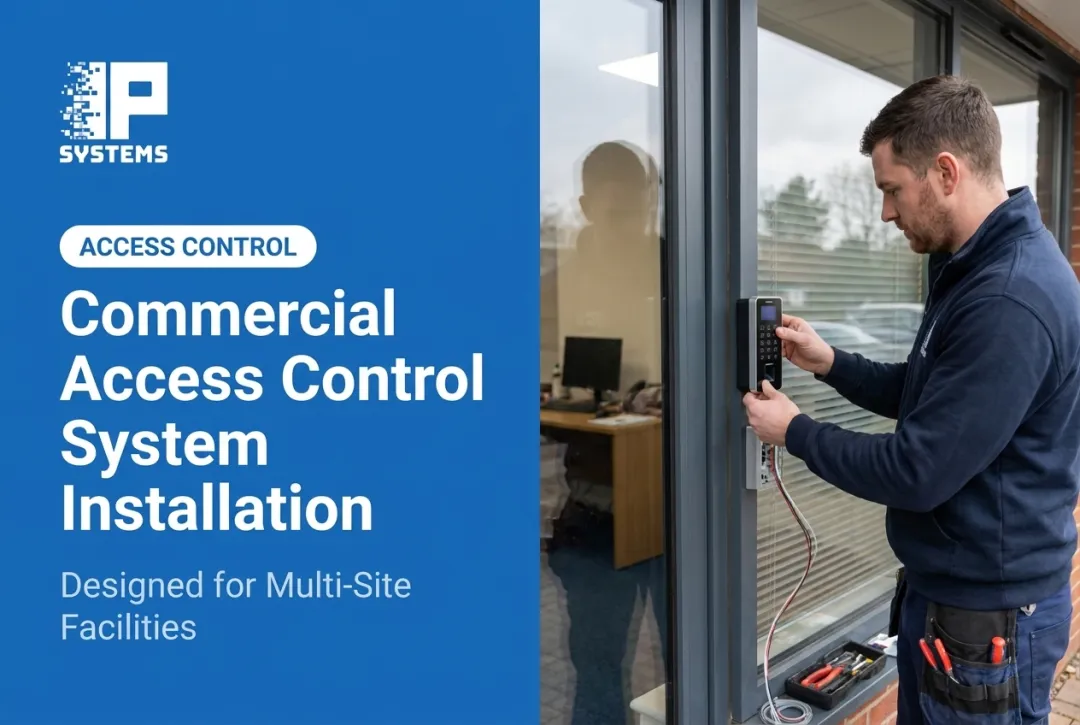
- Install and secure hardware (readers, locks, controllers, door contacts, request-to-exit devices) per approved drawings and manufacturer instructions.
- Connect power and network following electrical safety procedures and protecting cable as the design requires.
- Configure software: doors, credentials, role-based permissions, schedules, alerts, audit logs and admin accounts.
- Integrate related systems (video, fire alarm, intercoms, gates, elevators, visitor management) only after compatibility is confirmed.
- Pilot before scaling. Prove one representative opening before repeating the design across many doors or sites. Then write what worked into a reusable playbook (reader type, card encryption, lock hardware, wiring details) so every later door and site follows the same standard.

IPS staffs this sequence with project managers, installation technicians and software specialists, from initial assessment through client acceptance and administrator training.
Post-Installation Checks and Validation
Installation isn't done until the system is commissioned, documented and formally accepted by the facility or security team.
- Visual and structural checks: readers, locks, controllers, cable and exit devices are secure, labeled and undamaged.
- Credential testing across user groups, schedules, doors and credential types. Confirm grants and denials both log correctly.
- Event testing for door-held alerts, request-to-exit behavior, alarms, notifications and audit logs.
- Life-safety validation: emergency egress, fire alarm release, power-loss behavior, battery backup and accessibility, verified with the right parties and the AHJ where required.
- Handoff package: as-builts, door schedule, panel and wiring details, admin instructions, warranties and open items.
Skipping commissioning doesn't save time. Locked-out users, bad records and unsafe exits tend to appear only after people depend on the system. Formal acceptance catches those gaps before handoff.
Common Installation Problems and Fixes
These issues usually appear during installation, commissioning or the first weeks of use. Only technicians with the right electrical and systems training should diagnose them.
Issue 1: Reader or lock does not respond
A credential is presented and nothing happens, or the reader shows no activity. Likely causes:
- Wiring error
- Interrupted power or an exhausted PoE budget
- Incompatible hardware
- Network communication failure
- Controller configuration error
Fix: Check device status, power and communication LEDs, configuration and event logs against the approved documents. Have a qualified technician correct wiring or power problems.
Issue 2: Door stays unsecured, fails to release, or reports the wrong status
The lock doesn't behave as designed, or the software shows the door open when it's closed. Common causes:
- Misaligned lock hardware
- Wrong fail-safe or fail-secure setting
- A bad door contact
- Request-to-exit set up incorrectly
- A mismatch between the physical door and its software settings
Fix: Inspect alignment and configuration, verify the approved life-safety behavior, and retest the whole opening. Don't change one setting and assume it's fixed. Fail-safe versus fail-secure is the error we most want caught before go-live: a stairwell or egress door that fails secure on power loss is a life-safety problem, not a nuisance.
Issue 3: Users receive inconsistent access
Some people get through doors they shouldn't, while others with valid credentials are denied. Usual causes:
- Wrong role assignments
- Expired or duplicate credentials
- Schedule or holiday conflicts
- Sync delays between sites
- Configuration drift across locations
Fix: Review user groups, schedules, credential status and audit logs. Check sync health across controllers and sites, and put a written provisioning and revocation process in place so it doesn't repeat.

If problems continue after these checks, IPS service technicians can troubleshoot issues like intermittent door readers during normal business hours, or on a schedule set in your service agreement.
Pro Tips for Installing an Access Control System Effectively
- Sequence the work with every trade. Construction, door hardware, electrical, network, fire, security and IT all touch the same openings. Late changes become change orders. On large jobs the integrator often supplies the parts and the know-how while the electrical contractor supplies labor, and someone still has to own configuration: adding readers to your network and Active Directory.
- Survey before you spec. This matters most on retrofits in occupied buildings, older facilities, exterior doors and large campuses.
- Plan occupied-building work. Schedule noisy work and door downtime around operations, and agree on shutdown windows early. After-hours work is possible but usually costs more.
- Decide phased rollout vs single cutover. A phased rollout lets you run old and new side by side and fix issues on a few doors first. A single cutover is faster but leaves no room for surprises. For most occupied buildings, we prefer phased.
- Choose OSDP over Wiegand for new readers. OSDP supervises the reader connection and supports encrypted communication. Wiegand is simpler and still common, but it's unsupervised and unencrypted.
- Standardize naming, labeling and permission structures. Consistent schemes across doors and sites make audits, troubleshooting and expansion easier.
- Build in cybersecurity from day one. Connected access devices are part of your network. CISA's guidance on securing network infrastructure devices recommends segmenting and segregating networks, including VLANs and VPNs. Add a plan for firmware updates, limited internet exposure and least-privilege admin accounts.
- Schedule preventive maintenance for readers, locks, power supplies, network gear, software, batteries and door contacts at the manufacturer's recommended interval. Door hardware loosens with daily use, so plan at least an annual onsite service of locks, closers, door sensors and readers, plus a quarterly user access audit to deactivate badges nobody uses.
- Bring in a qualified integrator for multi-door work, regulated sites, fire alarm tie-ins, elevator or gate integration, video tie-ins or multi-site management.
For assessment, design, installation, integration and ongoing support, IPS is a security systems integrator serving medium and large enterprises and government agencies.
The access control platforms we install scale from a single door to thousands across many sites. Our Network Operations Center adds device-health monitoring and predictive maintenance for systems under a support agreement.
Conclusion
Installation quality decides whether an access control system stays reliable for years or starts generating service calls in month three. It shapes emergency operation, audit accuracy and cyber exposure. It also decides how easily the system grows and how long the hardware lasts.
Before go-live, lock in these basics:
- Document the site survey
- Choose compatible components
- Coordinate the electrician, IT and the fire marshal
- Follow the codes for your building and occupancy
- Test every door before anyone relies on the system
If you're planning a new installation or want a second look at an existing one, talk to a security specialist at IPS at (330) 963-0064 or salesteam@ipsystems.tech to schedule an access control assessment or installation review.
Frequently Asked Questions
How much does it cost to install an access control system?
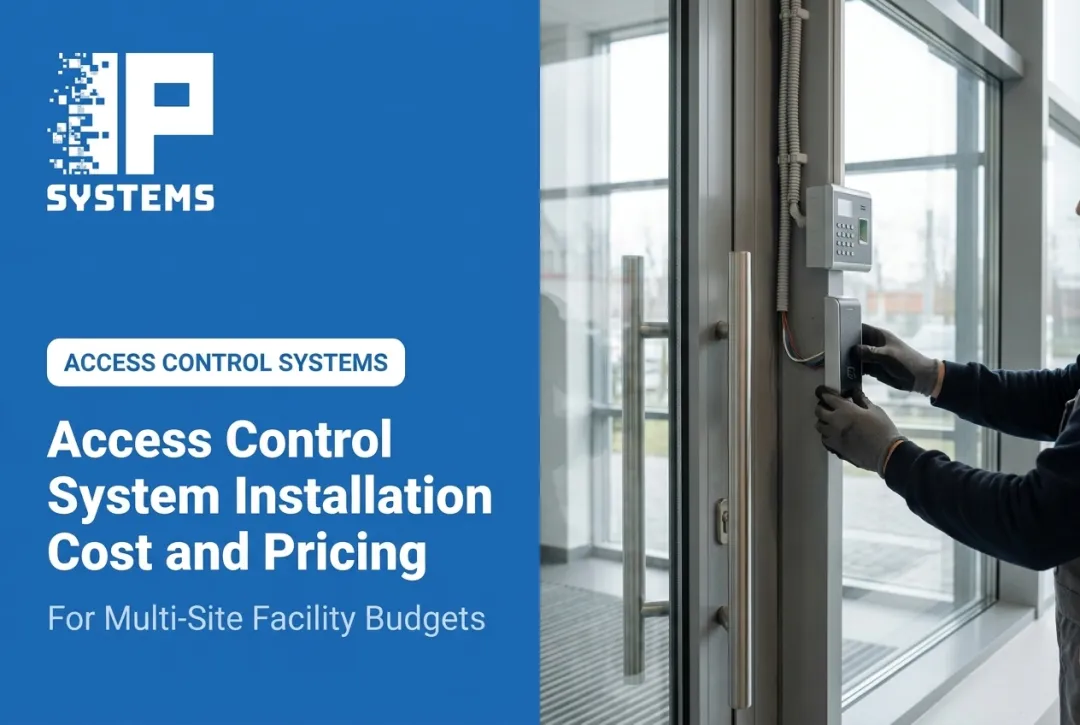
Cost depends on door count, hardware, door modifications, cable, power, network, software, integrations and ongoing support. For commercial or multi-site work, a site survey and scope review will tell you far more than any flat estimate.
How much does it cost to install an access control system per door?
Per-door cost depends on existing infrastructure, door and lock type, cable distance, controller layout, software and testing. Design and integration work shared across the project also changes the effective cost per opening.
What is the best door access control system for my facility?
It depends on door count, user volume, credential types, compliance needs and multi-site administration. Favor scalability, integrations, audit logging and central management over single-door consumer kits.
What are the main types of access control systems?
Systems can be standalone or networked, cloud-managed or on-premises, wired or wireless. Credential options include cards, fobs, mobile credentials, PINs and biometrics.
What is a door access control system?
It combines readers, credentials, controllers, electrified locks, software, power and connectivity to grant, deny, record and manage entry through a door or other controlled opening.
What kind of software is available for access control?
Options cover user and credential administration, role-based permissions, schedules, audit logs, alerts, reporting, remote management, visitor workflows, video integration and device-health monitoring.