Introduction
Office access control used to mean a ring of master keys and a re-keying bill every time someone quit. That doesn't work anymore.
Security teams now have to protect the building, keep employees moving, and let visitors and contractors in on their own schedule. The system also has to meet industry compliance requirements and keep working if the internet drops.
Controlled door access fixes the key problem directly: you don't need a locksmith after every departure.
It also adds role-based permissions, a searchable log of who opened which door and when, and tighter control over server rooms, records storage, and other sensitive areas. A physical key can't do any of that.
This guide compares six commercial office access control options. It then covers how to evaluate credentials, system architecture, integrations, installation, lifecycle cost, and support before you commit to a vendor. We've included the mistakes we see most often when office projects go sideways.
Key Takeaways
- Plan for the full stack: readers, credentials, locks, controllers, software, and the network that ties them together.
- Let door count, risk, layout, and multi-site needs drive the choice. The reader price shouldn't.
- Compare cloud vs. on-premise, offline behavior, mobile credentials, integrations, and cybersecurity documentation before shortlisting.
- Budget for hardware, installation, electrical or network work, licensing, credentials, integrations, and expansion, not just devices.
Overview of Commercial Office Door Access Control Systems
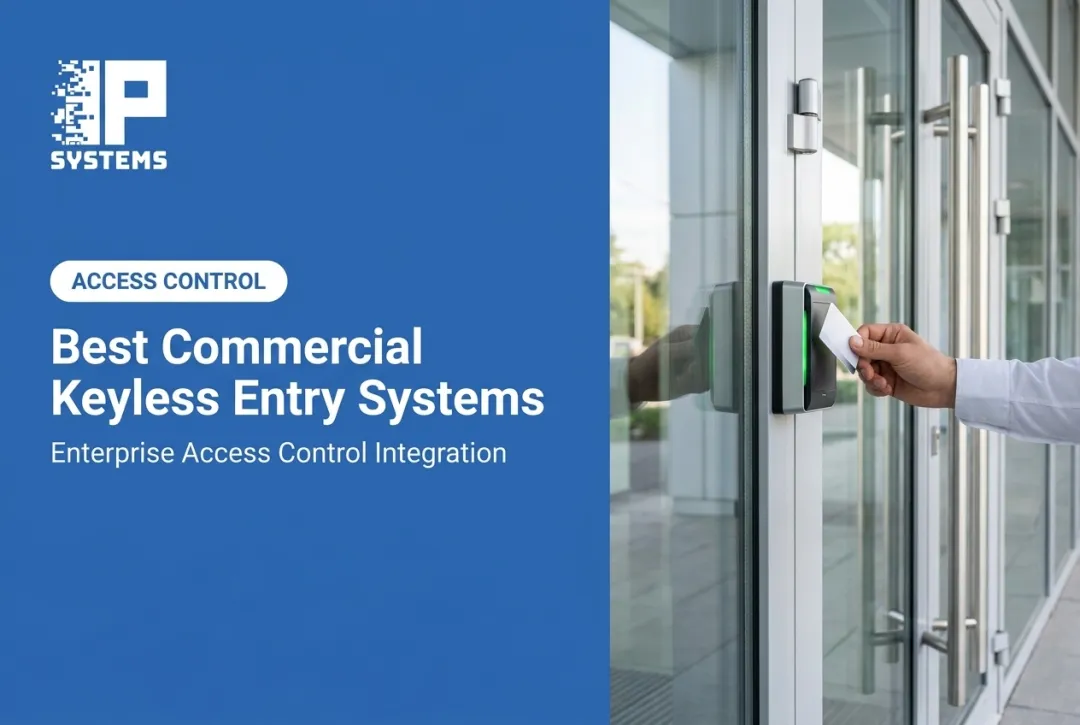
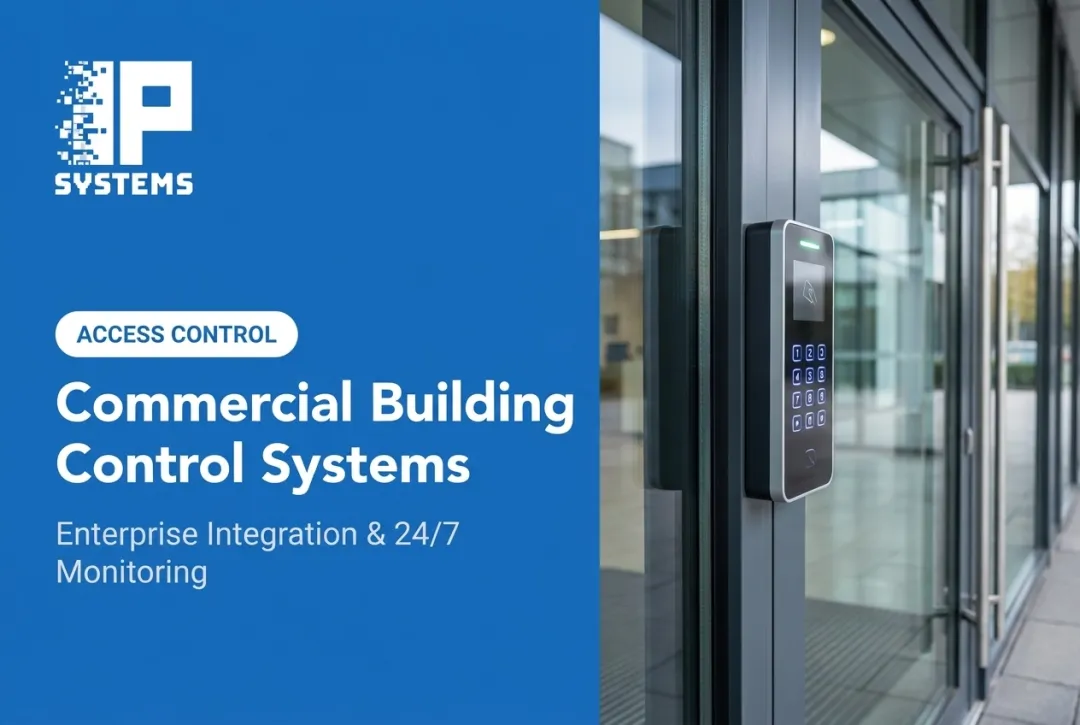
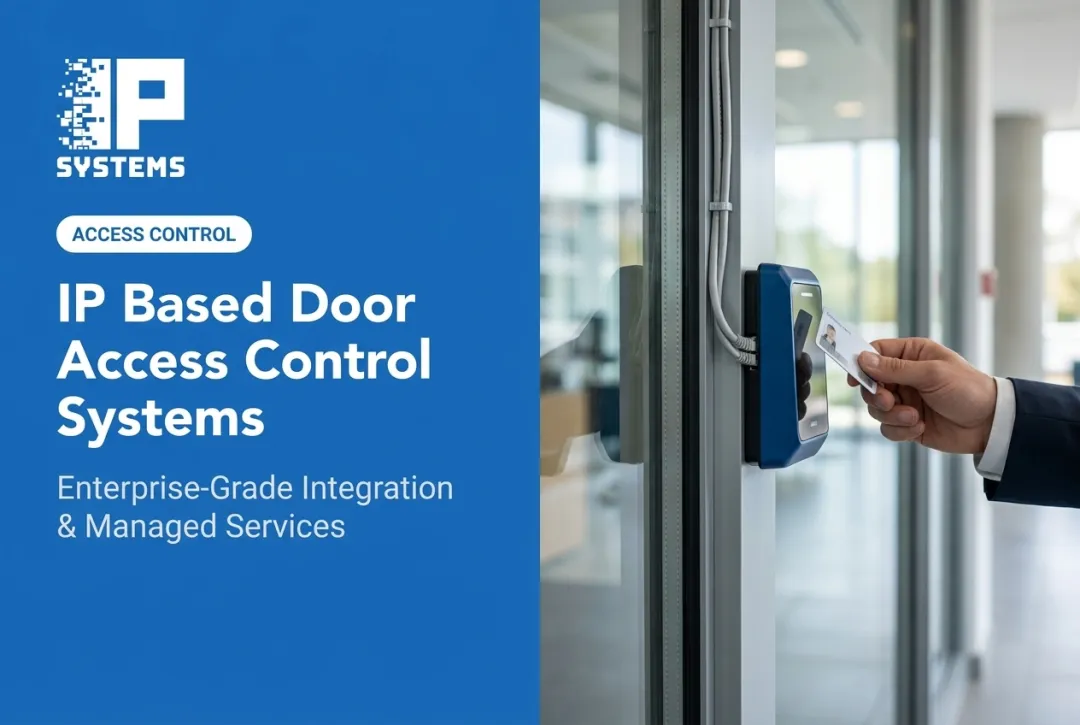
Here's what happens when someone badges into your office. A credential (card, mobile pass, PIN, or biometric) is presented to a reader, which sends the request to a controller. The controller checks permissions and schedules, tells the lock to release, and logs the event with the person, the door, and the time.

Core components you'll be buying or specifying include:
- Readers and credentials (cards, fobs, mobile, PINs, and biometrics where justified)
- Electric strikes or other electrified locks
- Network door controllers and I/O relay modules
- Door-position sensors and request-to-exit devices
- Power supplies and backup batteries
- Management software for permissions, schedules, and reporting
Where This Applies Across a Typical Office
A real deployment rarely uses one setup for every door:
- Public entrances often combine video or intercom verification with card access
- Employee entrances run on everyday credentials
- Server rooms, records storage, and executive suites usually need tighter controls, sometimes multi-factor
- Visitors and contractors get temporary credentials that expire on their own, instead of a spare key nobody tracks
For hardware, look for equipment listed to UL 294, the standard for access control system units. The current version is UL 294 Edition 8, published in May 2023. It's a useful baseline when you compare manufacturer documentation.
With those components and that baseline in mind, the six options below are a practical shortlist. Confirm current features, pricing, certifications, and availability with each provider before you decide.
Best Commercial Office Door Access Control Systems
Selection comes down to office fit: credential options, admin controls, integrations, scalability, security documentation, and whether someone picks up the phone after installation. These six take different approaches (integrator-led, cloud-native, on-premise, and hybrid-cloud). Compare them against your own door count and risk profile.
IP Systems Integrated Commercial Access Control Solutions
IPS is a systems integrator, not a manufacturer. We resell hardware and software from established security manufacturers, including our technology alliances with HID, LenelS2, Bosch, Axis, and Motorola Solutions. Then we handle the parts that decide whether a system works day to day: assessment, design, installation, and support after commissioning.
The access control platforms we install range from a single-door application to integrated systems that manage large numbers of doors and alarm points across facilities. That matters for offices that start small and expect to add floors, sites, or restricted rooms later.
What's included:
- An obligation-free system assessment that evaluates the property and identifies risks
- Design and installation of access control, digital video, fire systems, and cloud-based monitoring
- Remote access control across multiple facilities
- Support programs with two preventative maintenance visits per contract year, priority response times for remote and onsite support, and Network Operations Center device-health monitoring
Best fit: Offices and public-sector facilities that want access control coordinated with video surveillance and fire systems under one point of accountability, instead of separate vendors for each system.
Pricing is based on the number of devices and the services in the quote. Work is scheduled during normal business hours (8:00 a.m. to 5:00 p.m., Monday through Friday) unless the quote says otherwise. After-hours work or work around shutdowns may carry additional charges.
Avigilon Access Control
Avigilon, part of Motorola Solutions, offers two access control architectures. Avigilon Alta Access is cloud-based and needs no on-site servers. Avigilon Unity Access is on-premise and runs on hardened, Linux-based appliances for organizations that want the infrastructure in-house.
Alta supports mobile credentials, key cards, fobs, PINs, and digital guest passes. Users can open doors with a phone, a smartwatch, or a hand-wave gesture, and Avigilon says its patented mobile entry technology is designed to keep phone-based access working through network disruptions. Administrators get remote multi-site management, 100+ integration apps, an open API, and automatic user sync with major identity providers.
Notable detail: Alta controllers cache access policies locally. Avigilon says configuration and logged events are kept for up to 60 days during an internet outage and sync back to the cloud when the connection returns. Confirm that window for your deployment.
Unity Access pairs with Avigilon Unity Video to run video and access control in one on-premise system, which helps when operators need to review badge events against footage. Alta is sold in Basic, Premium, and Enterprise tiers.
Best fit: Offices already invested in Avigilon or Motorola Solutions video, or those choosing between cloud (Alta) and on-premise (Unity) from the start.
Swiftlane Access Control
Swiftlane combines door entry and access control in one cloud dashboard. Credential options include facial recognition, the mobile app, key cards, and PINs.
Its SwiftReader X doubles as a video intercom with two-way audio and video and remote door release. That's useful for front-desk visitor handling without a full-time receptionist.
Installation specifics (per Swiftlane's SwiftReader X installation manual, dated December 2022):
- 12–24 VDC or PoE+ (IEEE 802.3at, 25 W minimum)
- Ethernet Cat5e/Cat6 required (Wi-Fi is not supported)
- Stable internet connection, with an optional cellular backup router from Swiftlane
- Built-in relays for DC strikes only; AC locks need an external isolation relay
One detail we'd flag in design: Swiftlane's own manual notes the built-in relays are less secure because they sit on the unsecured side of the door. For exterior doors, budget for the door controller unit so the relay lives on the secure side.
Best fit: Hybrid workplaces and multi-tenant offices that want a video intercom and visitor entry bundled with access control. Swiftlane doesn't publish pricing on its product pages.
Kisi Access Control
Kisi is a cloud-managed system built for remote administration. Credentials include NFC/RFID cards, the mobile app on iOS and Android (including smartwatches), and employee badges in Apple Wallet. The dashboard lets administrators assign or revoke access, set schedules and restrictions, and export event reports.
Kisi publishes API documentation for provisioning users and managing access rights, which matters if you plan to connect HR or identity systems. Its offline documentation says readers cache access rights to cover internet outages of up to 36 hours, holding up to 1,000 access rights and 250 groups.
Pricing: Kisi lists its "One Security Platform" starting at $99 per month, with modules such as access control priced on top. Hardware, door count, and add-ons change the total.
Best fit: Offices that want multi-site expansion, flexible permissions, and a documented API for HR or identity integration.
Brivo Commercial Access Control
Brivo Security Suite provides cloud administration for one location or many. Credentials include mobile passes, digital wallets, cards, fobs, PINs, license plates, and biometrics, all issued and revoked centrally with role-based permissions and schedules.
Visitor management runs through Brivo Visitor Management, powered by Envoy, launched in 2025. It connects visitor sign-in to access control and keeps a central audit trail. Brivo and Eagle Eye Networks announced a merger in December 2025, and the combined company operates under the Brivo name. Ask how that affects the product roadmap and support before you sign a multi-year agreement.
Suite editions:
| Edition | What It Adds |
|---|---|
| Standard | Core access control for smaller deployments, mobile app, basic event tracking |
| Professional | Reader commands, occupancy tracking, trend analysis, enhanced access features |
| Enterprise | Data Explorer, anomaly detection, incident management, enhanced video for many locations |
Best fit: Multi-tenant office buildings and enterprises that need central reporting across locations and a formal visitor workflow instead of a sign-in sheet.
Verkada Access Control
Verkada uses a hybrid-cloud model. Verkada says no on-site servers or local clients are required, only power and network at each device. Hardware includes the AC12, AC43, AC62, and AX11 controllers, the AD34 and AD64 readers, the AL54 wireless lock, and the AF64 Access Station Pro with face recognition processed on the device.
Its main differentiator is video integration. Paired with Verkada cameras, the access control interface can flag tailgating when more people pass than a single access grant allows. The Command platform manages sites, schedules, alerts, and lockdowns in one place.
Credential and continuity details:
- Supports proximity, DESFire EV3, multi-technology cards and fobs, and mobile NFC/Bluetooth
- On-device storage of access configurations and peer-to-peer communication between Verkada devices
- Stored credentials, events, and user history are encrypted with AES-256 in transit and at rest
- AF64 face data is processed on the device and stored in a non-reversible format
Best fit: Offices already running, or planning to run, Verkada cameras that want access control and video in one system.

How We Chose the Best Commercial Office Door Access Control Systems
Treat this list as a buying aid, not a ranking. The right system for a four-door office looks nothing like the right system for a multi-building portfolio or a site with a high-security records room.
We mapped each platform against:
- Office fit: door count, layout, employee and visitor volume, restricted areas, tenant requirements, and expected growth
- Credential flexibility: cards, fobs, mobile, PINs, temporary visitor credentials, multi-factor options, and how fast revocation really happens
- Technical architecture: cloud vs. on-premise, controller behavior during outages, power and battery backup, and audit-log retention
- Integration and lifecycle value: video, intercoms, alarms, HR and identity platforms, firmware update cadence, and support response
Interoperability matters more than most buyers expect. The Security Industry Association's Open Supervised Device Protocol (OSDP) provides two-way, supervised reader-to-panel communication with optional AES-128 encryption through Secure Channel. SIA released version 2.2.2 in October 2024.
Plenty of installed systems still run on Wiegand. Confirm reader, controller, and credential compatibility end to end instead of trusting a spec sheet.
Common mistakes we watched for:
- Choosing hardware on price without pricing installation and licensing
- Ignoring egress and life-safety requirements. Fail-safe vs. fail-secure is often code-driven, not a preference
- Assuming retrofit savings without checking existing wiring and door hardware
- Picking a closed platform, then finding it can't integrate with video or HR systems
- Leaving service, maintenance and the eventual replacement out of the budget
- Keeping the installer's admin password. In Mastering Modern Security, IPS's Rob Jackson describes one left unchanged for 15 years. Use unique passwords, a password manager and MFA on system logins

Implementation Details That Decide the Schedule
In our experience, office projects slip for reasons that have nothing to do with the platform:
- Occupied-floor work. Core drilling, ceiling access, and door hardware changes near open offices usually need planning with facilities. Plan for after-hours or phased work, and remember that special scheduling can add cost.
- The network. Controllers and PoE readers need switch ports, a PoE budget, and often a dedicated VLAN. Bring IT in at design, not the week before cutover, and ask whether administrators can sign in through Active Directory.
- The AHJ. Stairwell doors, fire-rated openings, and doors tied to the fire alarm may need fire marshal review. That approval sets the date, not the installer.
- Credential migration. If you're moving off old prox cards, decide whether you'll reissue everyone at once or run dual-technology cards for a period.
- Acceptance and handover. Test every door (valid card, invalid card, forced door, held-open alarm, power loss) before signing off. Then get the door schedule, panel map, and as-built drawings in writing.
Conclusion
The right office access control system matches your security requirements to how people actually move through your building: employees, visitors, contractors, and emergency responders. Weigh daily workflow, building infrastructure, compliance obligations, and where you'll add doors in the next few years, not just today's count.
Before you sign, get a site assessment and an itemized proposal covering:
- Doors, locks, readers, and controllers
- Cabling, power, software, and integrations
- Commissioning, training, and acceptance testing
- Support after go-live and future expansion
If a vendor won't itemize that list, ask why.
Then decide how you'll pay for it. A capital purchase can be depreciated but needs cash up front, and the replacement a decade later is often unbudgeted. A lifecycle or hardware-as-a-service agreement lowers upfront cost, builds refreshes into the contract and gives the provider a stake in uptime. The trade-off is that the hardware isn't on your balance sheet. Have finance weigh tax and depreciation, and ask any vendor about a five-to-seven-year lifecycle lease.
IPS works with businesses and public-sector organizations on access control assessment, design, installation, integration, and ongoing support. If you're weighing options for your office, Request a Consultation and we'll talk through what an assessment would cover in your building.
Frequently Asked Questions
What is the best access control system for an office?
It depends on your door count, credential preferences, visitor workflow, integrations, and whether you want cloud or on-premise management. Use the criteria above instead of looking for one universal answer.
How much does an office door access control system cost?
Cost depends on door and reader count, wiring, installation labor, software licensing, credentials, and integrations. Ask for an itemized proposal after a site assessment instead of comparing hardware prices alone.
Should an office choose cloud-based or on-premise access control?
Cloud systems centralize remote administration and vendor-managed updates. On-premise keeps infrastructure and data under your control but needs IT time for servers and patching. Confirm subscription costs, outage behavior, and scalability with each provider.
Can access control be added to an existing office door?
Many doors can be retrofitted, but it depends on the frame, existing lock hardware, available power, network paths, and life-safety requirements. A site survey is the only reliable way to confirm it.
Which credentials work best for office access control?
Older prox cards and fobs are familiar but can be copied; encrypted smart cards and mobile credentials are harder to clone. PINs avoid a physical badge but get shared. Biometrics cut badge dependence but need a privacy review. Most offices mix two or more.
What happens to office access control when the internet or power goes out?
Many systems keep authorized credentials at the controller or reader, but remote management and live alerts may pause. Check offline duration, battery backup, and fail-safe vs. fail-secure behavior for each door before installation.