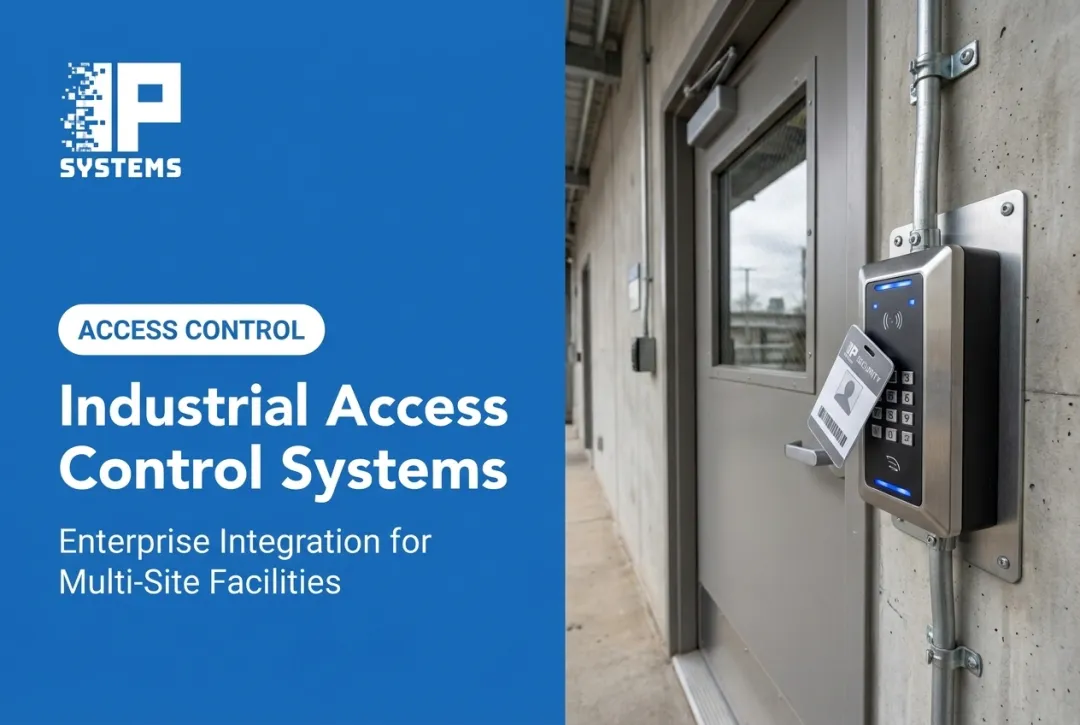
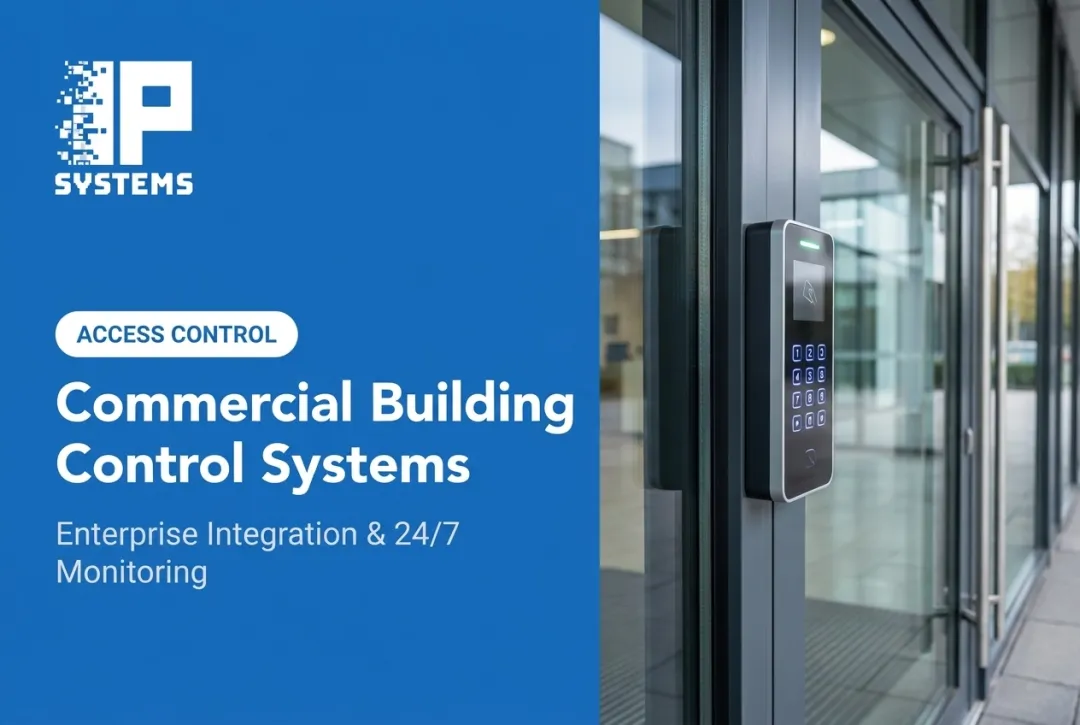
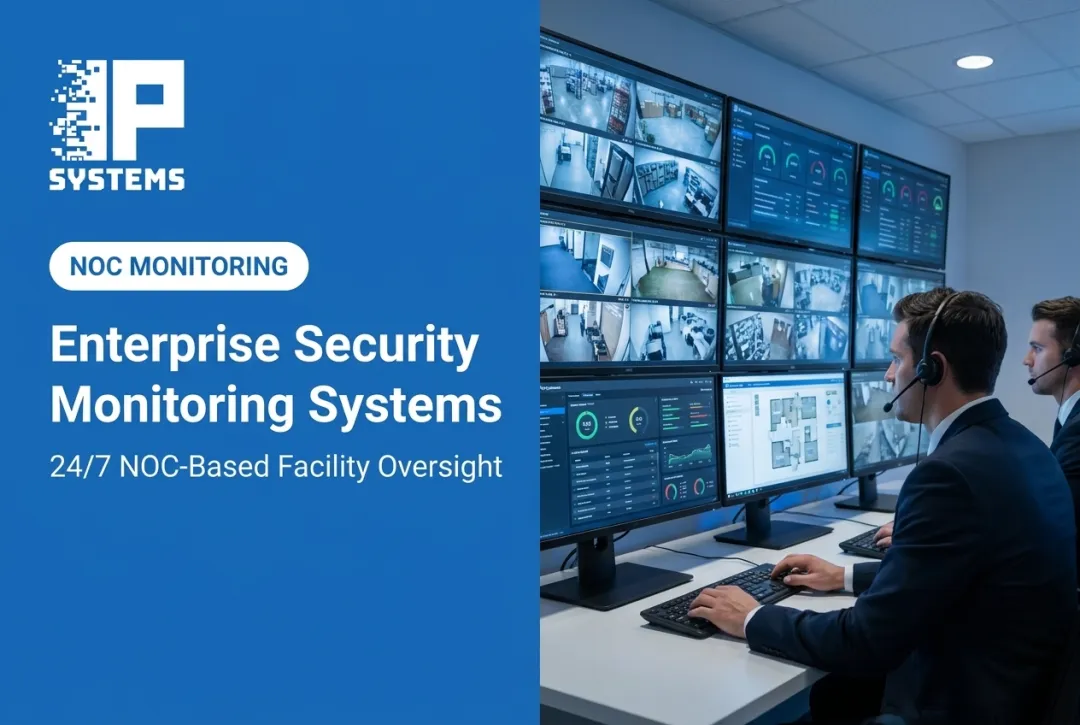
Keys cannot do that. Lose a master key and you are rekeying the building. With an electronic system you disable the lost credential, give a contractor access for exactly the hours they need, and pull an audit trail after an incident, all without touching a lock cylinder.
This guide covers how electronic access control works, the hardware and software behind it, system types, benefits, the mistakes we see most often, and what to look for in an installation partner.
Key Takeaways
- One system links credentials, readers, controllers, locks and software, so you manage entry from one place.
- Match PINs, cards, mobile credentials or biometrics to each door's risk level and traffic.
- Role-based permissions, visitor workflows and audit trails limit unauthorized access and simplify compliance reviews.
- Multi-site and complex facilities need professional design, installation and ongoing maintenance to stay reliable.
- Most failed projects fail at the door hardware and the handover, not the software.
What Is an Electronic Access Control System and How Does It Work?
An electronic access control (EAC) system grants or denies entry at doors, gates, turnstiles, elevators and even cabinets using technology rather than mechanical keys. NIST's glossary defines a physical access control system as an electronic system that controls the ability of people or vehicles to enter a protected area by means of authentication and authorization at access control points.
Here is what happens during a typical access event:
- A user presents a credential (card, fob, PIN or mobile credential) at a reader.
- The reader captures the credential data and passes it to a controller.
- The controller checks permissions against stored rules: is this person allowed here, right now?
- The locking hardware responds by releasing, staying locked, or raising an alarm.
- The platform logs the result (granted, denied, time and location) for later review.

Authentication Isn't the Same as Authorization
These terms get mixed up constantly. Authentication confirms who someone is. Authorization decides what they are allowed to do once identified. A badge can correctly identify an employee (authentication) and still deny them the server room (authorization) because their role does not include it.
Administrators manage this in a local or cloud-based platform, setting up roles, door schedules, access zones and revocation rules.
What Happens When Power or Network Fails?
This is where planning matters most. Every door needs defined behavior during an outage:
- Which doors stay locked on power loss (fail-secure) and which release (fail-safe)
- How backup power carries the locks and controllers, and for how long
- How emergency egress stays functional
- How the doors respond to a fire alarm signal
Life-safety codes generally require occupied egress doors to be openable from the egress side without a key or special knowledge. Fail-safe and fail-secure choices should be made with the fire marshal or other authority having jurisdiction (AHJ) during design, not discovered at the final inspection. One of the most common problems we are called in to fix is a maglock on an egress door that was never tied to fire alarm release.
Electronic Access Control Components and System Types
Every EAC system, whatever its size, uses the same building blocks.
Main components include:
- Access points (doors, gates, turnstiles, elevators)
- Credentials (what the user presents)
- Readers (what captures the credential)
- Controllers or control panels (what makes the decision)
- Electronic locks, request-to-exit devices and door-position sensors
- Management software, power supplies and network connections
The door itself is part of the system. Frames, hinges, closers and strikes that worked with keys can fail under electrified hardware. We survey every opening before pricing a job, because a door that does not close and latch reliably will generate "door held open" alarms forever.
Choosing the Right Credential
Not every door needs the same security. A supply closet and a data room should not use the same credential.
- Key cards and fobs: widely used, easy to issue and deactivate. Older proximity cards can be cloned, so high-security doors should use encrypted smart cards.
- PINs: low-cost, but shareable and hard to attribute to one person
- Mobile credentials: growing fast. In HID's 2024 survey, cited by SDM, 72 percent of respondents named mobile identity a top-three trend. In our experience, most sites still issue cards alongside phones for visitors, contractors and staff without smartphones.
- Biometrics: fingerprint or facial verification for high-security zones. Check state biometric privacy laws before enrolling anyone.
- Multi-factor combinations: two methods together for the most sensitive areas
Standalone vs. Networked vs. Cloud
Architecture shapes how you manage doors, permissions and reporting:
- Standalone: a single-door unit decides access locally. Simple to install, but limited to that door.
- Networked: central administration, reporting and permissions across every door in a facility or portfolio.
- Cloud-managed: the software is hosted off site, which cuts on-premises server overhead.
- Hybrid: some components stay on premises while the cloud handles scale and remote management.
IPS supports both on-premises and hosted approaches. Our Hosted and Managed Services (Physical-Security-as-a-Service) move infrastructure to the cloud, which can reduce capital cost and spread operating cost over the life of the system. Under a hardware-as-a-service agreement, end-of-life replacements are built into the contract instead of landing as a surprise capital request. The trade-off is that the equipment isn't on your balance sheet, so involve finance on tax and depreciation before you choose. Separately, our Network Operations Center uses remote probes to monitor device health for predictive maintenance.
Benefits and Use Cases for Commercial and Public-Sector Organizations
Electronic access control solves the everyday problems that come with mechanical keys, and it does more than lock doors.
Eliminating the Rekeying Problem
When an employee leaves or a contractor's badge goes missing, you do not rekey the building. You disable one credential. The systems IPS installs give administrators immediate, remote access control across multiple facilities, so permission changes do not wait for a site visit. The weak point is usually process, not technology: if HR does not tell the badge administrator someone left, the badge keeps working.
Role- and Time-Based Access
Not everyone needs the same access, or access at the same hours.
- Employees get standing permissions tied to their role
- Contractors get scheduled windows that expire when a project ends
- Visitors and vendors get limited, time-boxed credentials
- Every granted or denied attempt is logged
Audit Trails That Actually Hold Up
Access reports support investigations, insurance claims and policy enforcement. Healthcare organizations, banks and government agencies each have their own recordkeeping expectations, so confirm retention requirements with your regulator, auditor or contract rather than accepting the software default.
Integration Changes the Equation
Access control rarely works alone anymore. ASIS International's 2023 access control research found that 54 percent of respondents had integrated access control with video surveillance and 42 percent with visitor management. The same study found that 39 percent still used a manual system, such as pen and paper or a spreadsheet, to track temporary credentials issued to visitors. That gap shows up quickly during an audit or an incident. IPS works in industries where these integrations matter:

- Healthcare facilities protecting patients and drug storage
- Bank branches protecting vaults and back-office areas
- Manufacturing plants restricting production zones
- Commercial real estate portfolios using access control for tenant convenience and liability control
How to Choose and Implement an Electronic Access Control Solution
Getting this right starts before the first reader is mounted.
1. Assess Risk and Requirements First
Identify protected areas, user groups, occupancy patterns, existing hardware and compliance obligations. IPS offers an obligation-free System Assessment for exactly this, whether you are building a new facility, planning an upgrade, or trying to understand an aging system nobody has reviewed in years.
If you already have a system, start with an inventory: panel models and firmware, reader types, who administers the database, and which doors are actually wired the way the drawings say.
2. Match Credentials to Risk Level
High-security areas may justify biometric or multi-factor authentication. Lower-risk spaces may only need a standard card reader. Think about issuance too: how fast can you deactivate a lost credential, and who is allowed to issue new ones?
3. Evaluate the Technology Checklist
Before signing off on any system, confirm it handles:
- Encryption for reader-to-panel communication (for example OSDP Secure Channel instead of unencrypted Wiegand)
- Defined offline and backup power behavior
- Administrator permission tiers and activity reporting
- Mobile access and visitor management
- APIs and compatibility with your existing hardware
Reusing existing readers and cabling can save money, but only if they still meet your needs. If the readers are old proximity units and the walls are open anyway, replacing them usually costs less now than later.
4. Follow Through on Implementation
A solid rollout usually follows this sequence:
- Site survey and system design
- Network planning with IT: VLAN, switch ports, PoE budget
- Installation and credential enrollment
- Testing, including each door's behavior on power loss and fire alarm
- User and administrator training
- Documentation, so your team is not relying on memory
In occupied buildings, door work often has to be scheduled after hours or door by door, and cutover from an old system may need both systems running side by side for a time. Plan that with facilities early. IPS's standard work hours are business days, and after-hours or shutdown scheduling is arranged in the quote.
IPS assigns project managers, installation technicians and software specialists to each deployment, and clients accept the installation and training before closeout. Post-commissioning support includes help desk services, software version updates, device health monitoring, preventive inspections and onsite support.

5. Don't Skip Ongoing Maintenance
Access control is not "install and forget." Like a car driven off the lot, a system starts losing performance the day it is commissioned unless someone maintains it. Door hardware loosens with daily use, backup batteries wear out, and firmware falls behind. Firmware updates, battery checks, lock and closer inspections, and quarterly access-rights reviews keep systems reliable.
Plan replacements as well. In Mastering Modern Security, IPS's Rob Jackson gives typical lifespans of 4 to 6 years for the central server and database, 7 to 10 years for control panels and power supplies, and 10 to 12 years for card readers. Budget for them before they fail, so a replacement is routine rather than an emergency. IPS support programs include two preventive maintenance visits per contract year, priority response for remote and onsite support, and a documented history of the system. Our Network Operations Center adds device-health monitoring and predictive maintenance, with nearly immediate notifications when an issue is detected.
Assign an owner for the credential database on day one. The most common long-term failure we see is not hardware. It is a database full of people who left years ago.
Since 1998, IPS has helped businesses and public-sector organizations protect their people, property and critical assets, including organizations in healthcare, education, government, banking and manufacturing.
If you are planning an access control project, Schedule an Access Control Assessment and we will talk through what your facility actually needs.
Frequently Asked Questions
How does an electronic lock work?
An electronic lock receives a signal from a reader or controller and switches between locked and released. Power supply, egress requirements and fail-safe or fail-secure design decide how it behaves during outages or emergencies.
What are some examples of electronic access control systems?
Common options include keypads, card and fob readers, mobile credentials, biometrics, intercoms, and standalone, networked or cloud-managed platforms, often combined for multi-factor entry. The right mix depends on site risk and how your team works day to day.
What is discretionary access control (DAC)?
Discretionary access control (DAC) lets a resource owner decide who gets access. For example, a facility manager can give an employee badge access to a storage room during set hours, then change or revoke it later. That policy choice is separate from the lock hardware on the door.