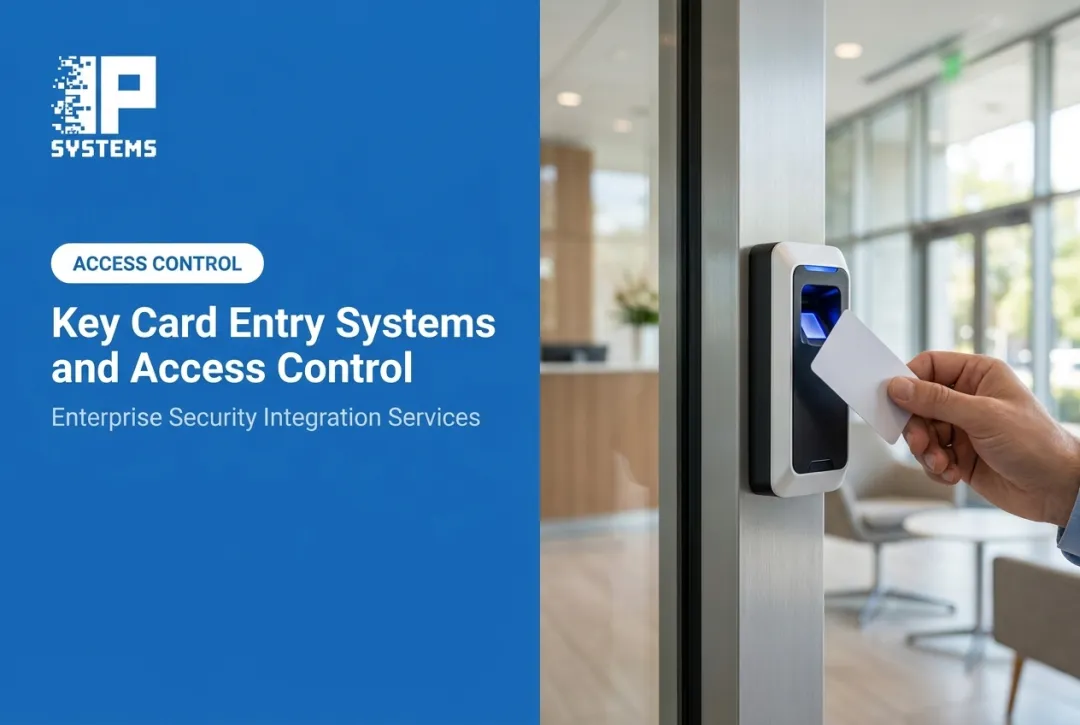
The same problems show up everywhere: lost cards that never get deactivated, permission levels that no longer match job roles, visitors walking around unescorted, and a security team too thin to watch every door. In a 2026 ASIS International survey, 72 percent of security professionals said they want to improve their visitor management system, and 23 percent still manage visitors with pen and paper or a simple spreadsheet (ASIS International, Excelling at Security Controls and Visibility).
This article covers what access control services actually include, how the systems work and connect to other security tools, where they pay off by industry, the mistakes we see most often, and what to ask before you pick a provider.
Key Takeaways
- Professional access control runs from assessment through ongoing support. The card readers are a small part of it.
- A working system pairs credentials, permissions and door hardware with software, audit trails and written procedures.
- Tying access control to video, intrusion alarms, fire systems and visitor management makes each of them more useful.
- Choose the setup based on facility type, risk, number of sites and compliance needs, and decide who will own it after go-live.
What Do Access Control Services Include?
Buying readers and locks is not the same as deploying access control. A complete service covers the whole lifecycle, from the first walkthrough to years of support.
Assessment Comes Before Anything Else
A proper assessment looks at every entrance, restricted zone and workflow tied to how people move through the building. That means:
- Reviewing employee, contractor and visitor movement
- Surveying existing door hardware, wiring, controllers and software
- Mapping emergency procedures, egress routes and fire-alarm door release
- Identifying where the organization plans to expand
In Mastering Modern Security, IPS's Rob Jackson frames this as the Survey step of his SAFE framework (Survey, Apply, Fortify, Evolve). His questions include: what are your most valuable assets and where are they, who has access today, which less obvious entry points exist (loading docks, emergency exits), what incidents have happened before, and when is the building unoccupied? Then rank threats and access paths by severity, so the budget goes to the worst gaps first.
At IP Systems, this starts with an obligation-free System Assessment that evaluates the property and identifies risks, whether you are building a new facility, planning an upgrade or trying to find where you are exposed.
The step people skip most is the door hardware survey. Frames, strikes, closers and existing locks decide what the project costs. A door that needs a new frame or an electrified hinge is a very different line item from one that only needs a reader.
Design Sets the Framework
Design turns the assessment into a buildable plan. It defines:
- Door-by-door permission levels and schedules
- Credential types and user groups
- Controller, power supply and network placement
- Which doors are fail-safe and which are fail-secure
That last item deserves a real conversation, and often a call to the AHJ. Stairwell and egress doors usually have to release on a fire alarm or loss of power. A perimeter door guarding inventory usually should not. Getting this wrong fails an inspection or creates a life-safety issue.
Documentation matters here. A written design should show who can go where, and when. Bring operations and compliance into the permission review, not only security. In one facility handling biological pathogens described in the book, that input showed one area needed a card plus a second factor, for a very short list of people.
Installation and What Comes After
Installation covers readers, electrified locks and strikes, door position switches, request-to-exit devices, controllers and power supplies. Software ties them together. The work does not stop at commissioning. Post-installation services typically include:
- Credential enrollment for every employee and authorized user
- Permissions administration as roles and staffing change
- System testing to confirm doors, alarms and integrations behave as designed
- User training so administrators can run the system on their own
- Ongoing maintenance, firmware updates and troubleshooting
IPS support programs cover much of this and include:
- Two preventative maintenance visits per contract year
- Priority response times for remote and onsite support
- A documented system history, from the first sales visit through installation and resolved support issues
- Pre-recorded training and technical sessions for internal teams
How Do Access Control Systems Work and Integrate With Other Security?
Every access event follows four steps:
- A person presents a credential
- The system checks their identity
- A controller allows or denies entry
- The event is logged
Authentication vs. Authorization
The two terms get used interchangeably, but they mean different things. Authentication verifies who someone is. Authorization decides what that person may do once verified. A badge might authenticate someone as staff, but authorization decides whether it opens the server room or only the lobby.

Comparing Credential Types
Not every credential fits every environment:
| Credential Type | Convenience | Security Considerations |
|---|---|---|
| Key cards/fobs | High | Can be lost or shared; easy to deactivate |
| Mobile credentials | High | Requires phone; fast to revoke remotely |
| PINs | Moderate | Can be observed or shared |
| Biometrics | High for users | Higher setup cost; strong identity assurance |
| Visitor passes | Variable | Time-limited; needs active management |
NIST's federal credential standard (FIPS 201-3) supports combining factors, such as a card plus a PIN or a card plus a fingerprint, for higher assurance. It also deprecates visual badge checks on their own, noting they provide little or no confidence in the cardholder's identity.
A related decision is the reader wiring. Many older systems use Wiegand, which sends the card number from reader to controller unencrypted. OSDP with secure channel encrypts that link and lets the controller supervise the reader. If you are replacing readers anyway, it is usually worth moving to OSDP. If the controllers cannot support it, that is a sign they are due too.
Where Integration Multiplies Value
Access control rarely works alone. It pairs with:
- Video surveillance, to confirm an unusual access event visually
- Intrusion alarms, to respond when a door is forced
- Fire systems, to release doors automatically during an alarm
- Visitor management, to track everyone without a permanent credential
- Elevators and parking gates, to carry the same permissions through the building
If an access log shows someone entering a restricted area at 2 a.m., pulling the matching video clip answers the question in seconds.
Cloud, On-Premises, or Hybrid?
The deployment model changes who owns day-to-day control:
- Cloud-based: central management, automatic updates, multi-site administration from anywhere. Recurring subscription cost, and it depends on internet connectivity for administration.
- On-premises: local control, often preferred for compliance or limited connectivity. Your IT team owns the server, backups and patching.
- Hybrid: bridges both when migrating from legacy hardware without a full rip-and-replace.
Map out what IT owns and what the provider owns before you commit. Ask what the doors do if the network or the cloud connection goes down.
What Are the Benefits and Industry Applications of Access Control?
The biggest benefit is limiting who reaches sensitive areas. It also ends the cost of re-keying when someone leaves: you deactivate a credential instead of swapping cylinders.
Audit Trails Support Investigations, Not Guarantees
When something goes wrong, access logs help reconstruct what happened. NIST Special Publication 800-12 notes that audit records can help determine the extent of an incident, but that an audit trail is of limited value without timely review, and that its integrity has to be protected against modification.
Access control gives you evidence and accountability. It does not prevent every incident.
Centralized Control Across Multiple Sites
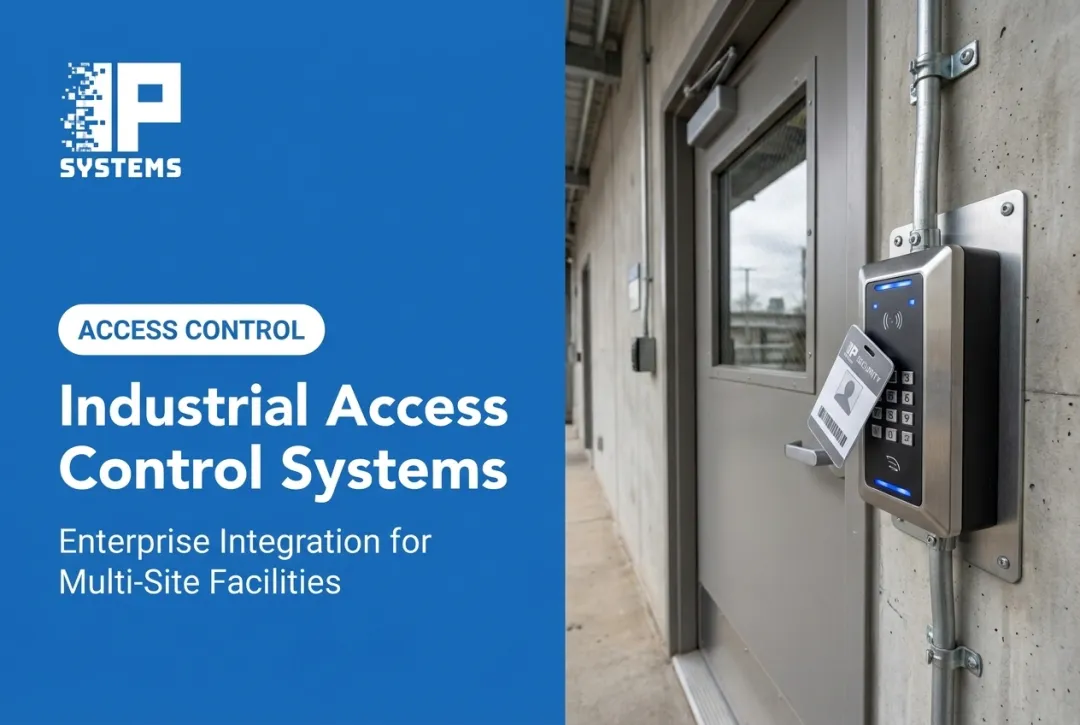
Organizations with several locations benefit from standard policies and one view of every site. The access control platforms IPS installs scale from a single-door application to systems that manage many doors and alarm points across multiple facilities. Remote administration saves the time of managing each site separately.

Standardizing across sites is also where one-platform-vs-best-of-breed comes up. One platform everywhere is easier to administer and train. Mixing brands can make sense when a site has a system that still works, but you will pay for it in integration effort and in admins who have to know two systems.
Priorities Shift by Industry
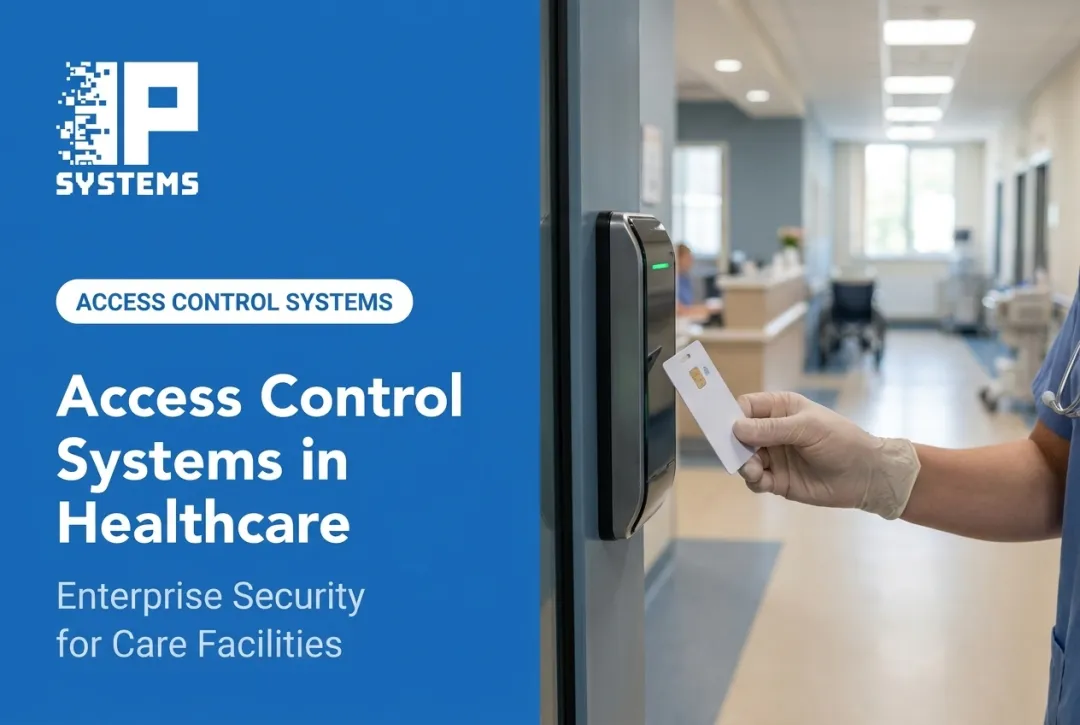
- Healthcare: restricting medication rooms and patient areas while documenting visitor control, in line with HIPAA facility access requirements
- Manufacturing: protecting production floors, equipment and inventory from unauthorized entry
- Banking and finance: controlling vaults and back-office areas with audit trails examiners can review
- Data centers: layering physical security with strict documentation for tenant equipment
- Education: lockdown readiness and visitor check-in across campus buildings
Monitoring Catches Problems Early
Device-health monitoring and predictive maintenance flag failing hardware before it becomes a security gap. IPS's Network Operations Center monitors the health of the security devices on the network and gives nearly immediate notification of issues, which we then troubleshoot and resolve through the maintenance contract.
That keeps teams from discovering a dead reader the hard way.
How to Choose an Access Control Provider and Plan Implementation
Choosing a provider takes more than comparing price per door.
Build an Evaluation Checklist
Before signing anything, check a provider's:
- Experience in your industry
- Multi-site management capability
- Integration experience with video, fire and alarm systems
- Ability to scale as you grow
- Cybersecurity practices, including encrypted reader communication and network segmentation
- Documentation, training and maintenance processes
Understand the Full Lifecycle Cost
Pricing should not stop at hardware. Factor in:
- Software or cloud subscriptions
- Credential administration
- Network upgrades and PoE capacity
- Replacement parts
- Training
- Service agreements
At IPS, pricing is based on the devices and services in the quote, with variable-scope work billed on a time-and-material basis. Pricing follows a scope review, because door count alone does not tell you what the doors need.
Request a Written Design
A serious provider should hand over documentation showing every door, access level, user group, emergency function and integration point, and who is responsible for administration after go-live. If you run several sites, turn it into a reusable standard, such as a CSI MasterFormat Division 28 (Electronic Safety and Security) specification naming approved manufacturers, reader types and card encryption, so the next building starts from the same playbook.
Follow a Logical Implementation Sequence
- Discovery and risk assessment to understand current gaps
- Design approval with stakeholder sign-off
- Infrastructure preparation, including wiring and network readiness
- Installation and configuration of hardware and software
- Testing to confirm every door and integration works
- User enrollment and training for staff and administrators
- Go-live, followed by a post-installation review

In an occupied building, plan door cutovers in small groups and after hours where needed, so no entrance is left unsecured overnight. Phasing takes more coordination than a single cutover but is easier on the people using the building.
Common Mistakes We See
- No one owns the credential database after go-live. Former employees and contractors keep working badges for months.
- Skipping the door hardware survey, then finding out mid-project that frames or locks need replacing.
- Fail-safe vs. fail-secure decided by default instead of by door function and the AHJ.
- No plan for firmware and patching on controllers and servers.
- Training only one administrator. When that person leaves, the system stops being managed.
Questions Worth Asking Every Provider
- What happens to door access during a network outage?
- How quickly can lost or stolen credentials be deactivated?
- What is the offboarding process when an employee leaves?
- How is visitor access managed and time-limited?
- Can any of our existing readers, controllers or cabling be reused?
- What remote support and backup options exist?
IPS works with healthcare, education, government, banking, manufacturing and commercial real estate organizations. We handle assessment, design, installation by a certified, trained installation team, and ongoing support, from a single building to multiple sites. If you are planning a new or upgraded system, Talk to a Security Specialist about your facility needs before you commit to a design.
Frequently Asked Questions
Which is better for service access control: RBAC or ABAC?
RBAC assigns permissions by job role, while ABAC uses attributes such as location, time, device or resource type. The better choice depends on how complex your access policies need to be. Most physical access systems are role-based with schedules layered on top.
What are the top service access control systems?
The best system depends on facility type, required integrations, deployment model and support needs. Compare complete solutions and the provider's support, not product rankings alone.
What are the three main types of service access control?
Physical, logical and administrative access control. Models such as DAC, MAC, RBAC and ABAC describe how permissions are assigned within those categories.
Is network access control (NAC) the same as a firewall?
No. NAC controls whether users or devices can connect to a network based on identity or device health, while a firewall filters network traffic. They work together, not as substitutes.
What is an example of discretionary access control (DAC)?
A document owner deciding which coworkers can view or edit a file. With role-based or mandatory access control, an administrator sets the rules, not the resource owner.